Integration: Kaseya SIEM and IT Glue
 Security and navigation
Kaseya SIEM
NAVIGATION Organizations > Edit Organization > + New Application > MSP Tools
PERMISSIONS User must have permissions to manage integrations and edit organization settings.
IT Glue
NAVIGATION Admin > API Keys
PERMISSIONS User must have permissions to access the Admin section and generate API keys.
Prerequisites
-
Access to Kaseya SIEM with permission to configure integrations for the selected organization
-
Access to IT Glue with permission to generate and manage API keys
-
An IT Glue API key available for use during setup
How to...
Create an API key in IT Glue
Complete the following steps:
-
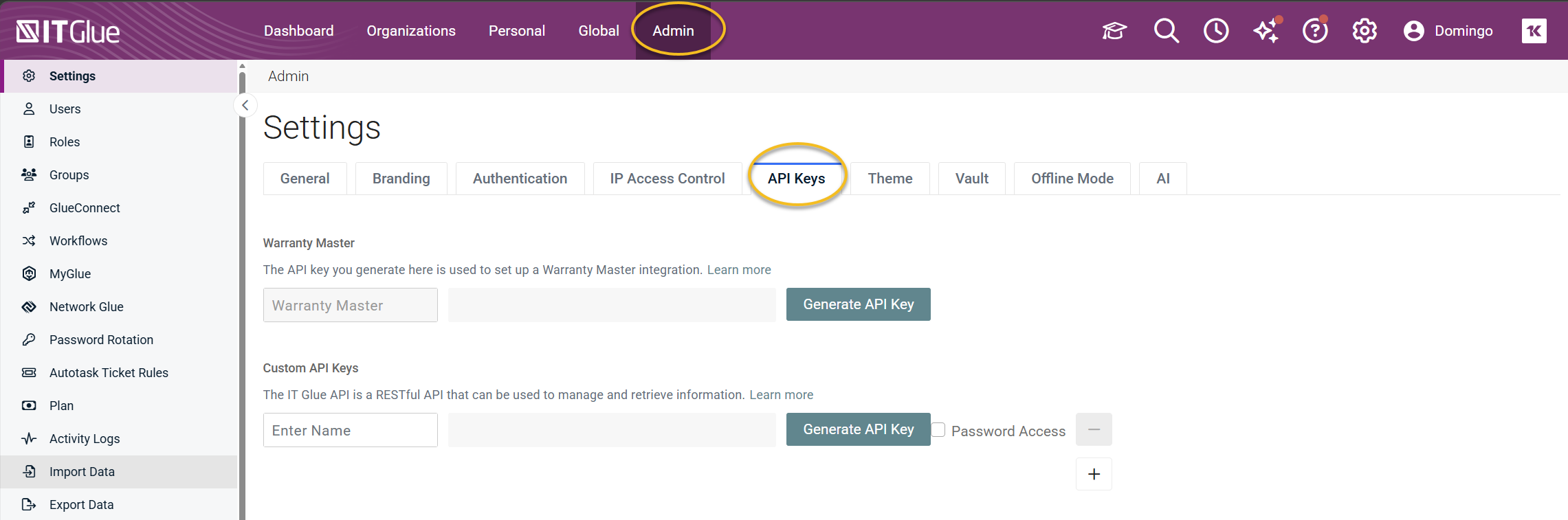
In the top navigation bar, click Admin.
-
Select the API Keys tab.
-
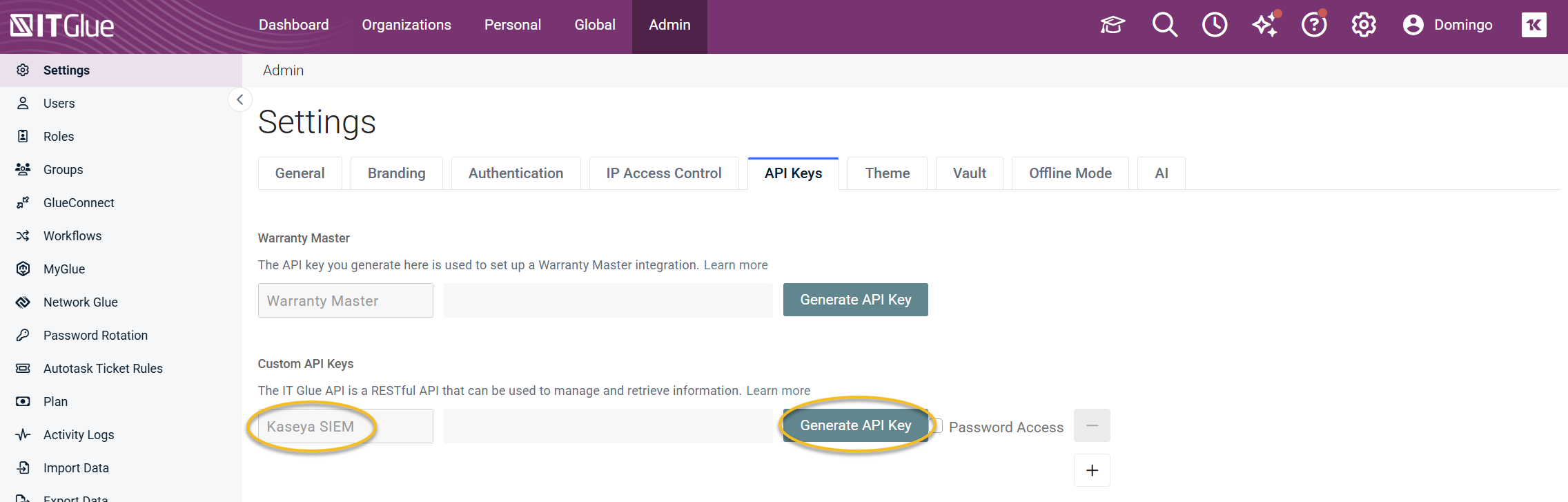
In the Custom API Keys section, locate or create an API key for Kaseya SIEM.
-
If creating a new key, enter a name and click Generate API Key.
-
Copy the generated API key.
Set up the integration in Kaseya SIEM
To enable the integration, complete the following steps:
-
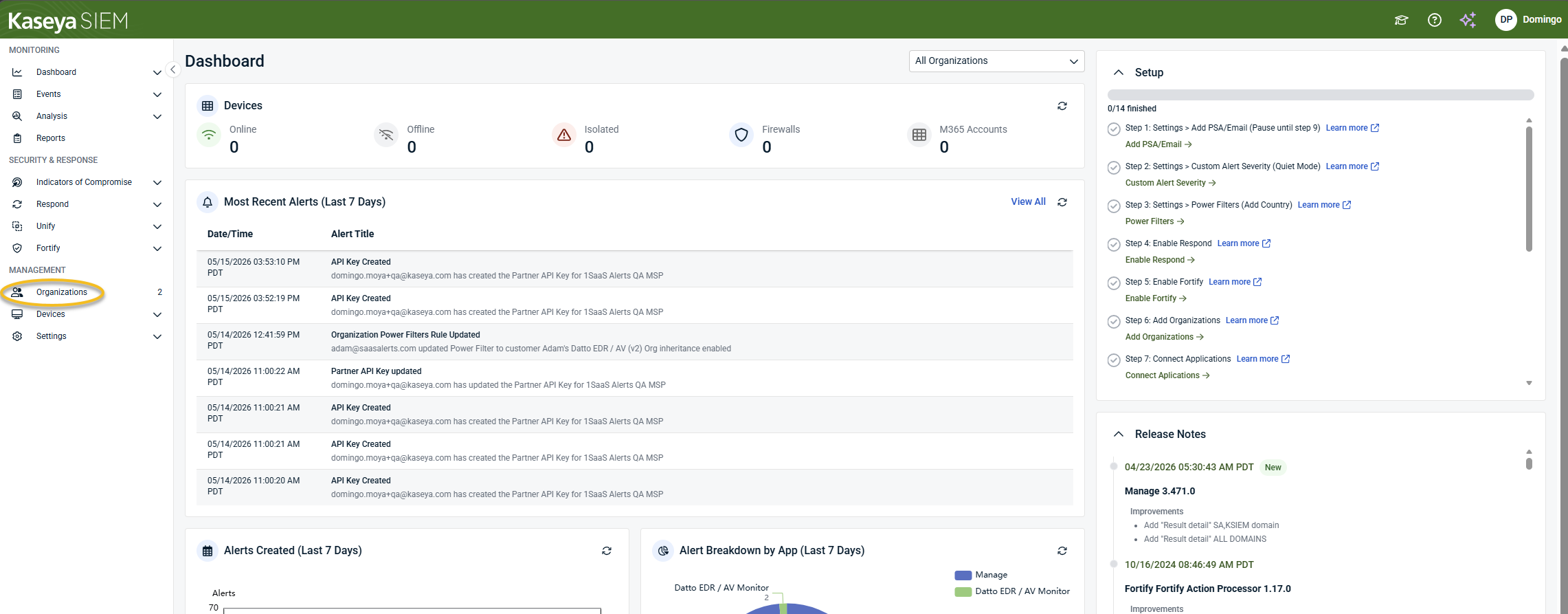
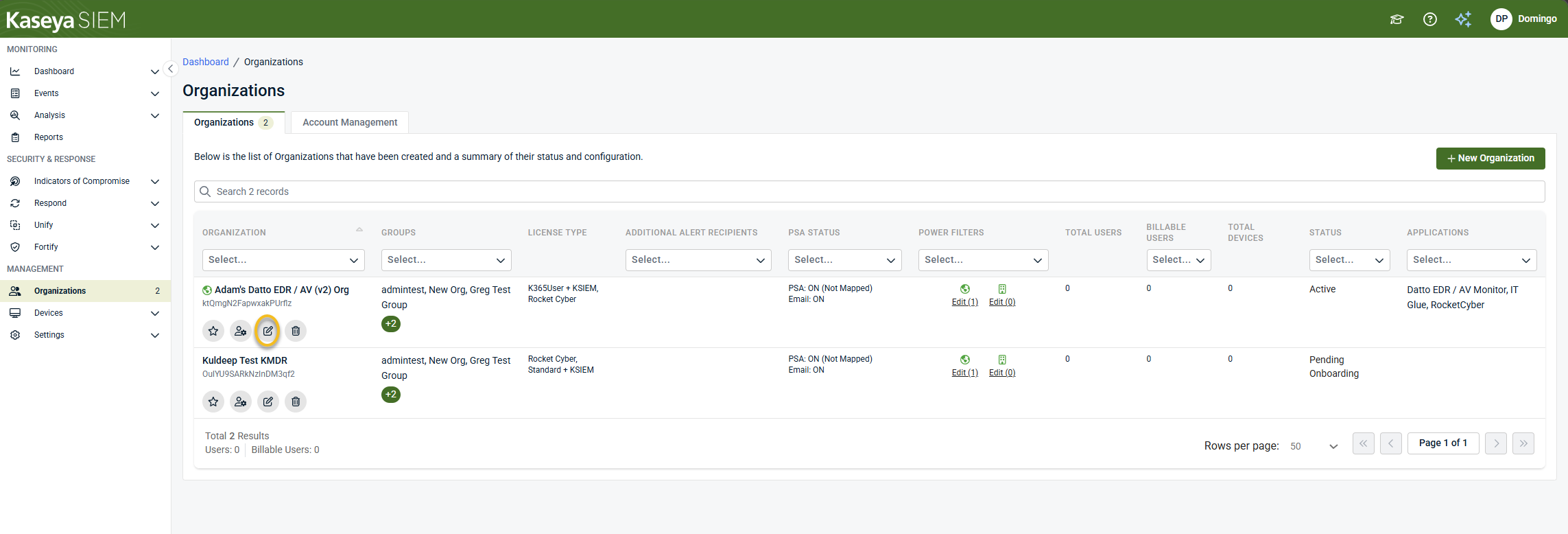
From the side navigation menu, click Organizations.
-
Click Edit Organization (pencil icon) for the selected organization.
-
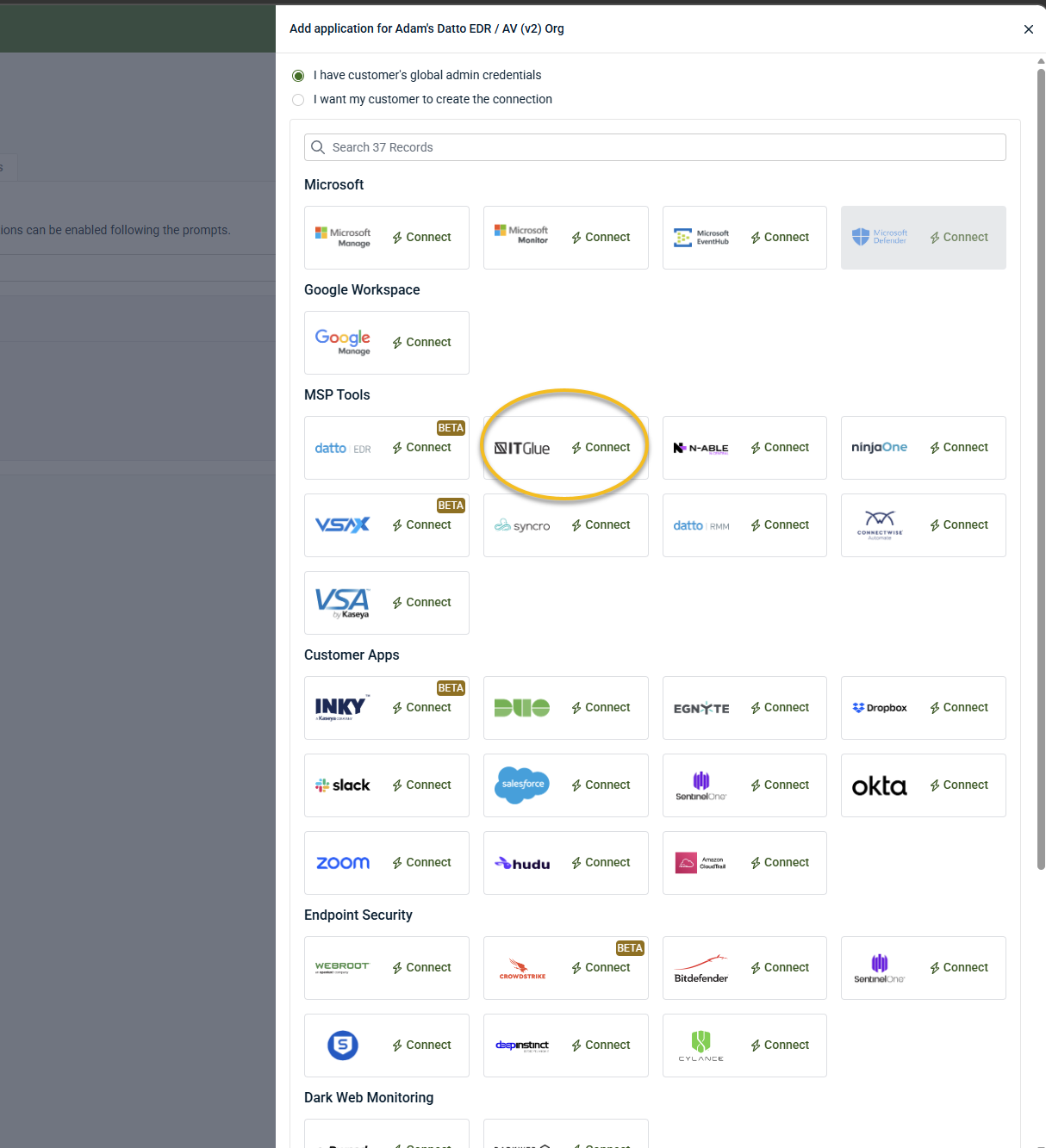
Click + New Application.

-
Click Connect in the IT Glue tile under MSP Tools.
-
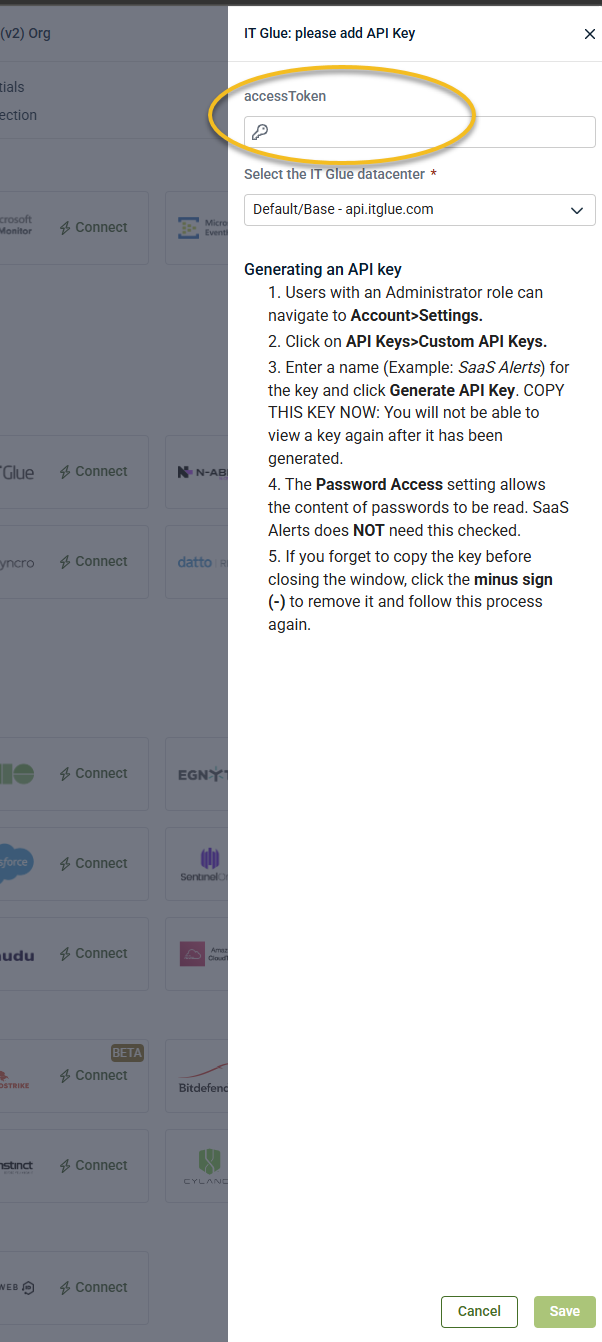
Enter the API key when prompted in the connection wizard.
NOTE The IT Glue integration is intended to be configured at the Kaseya SIEM partner’s customer account level.
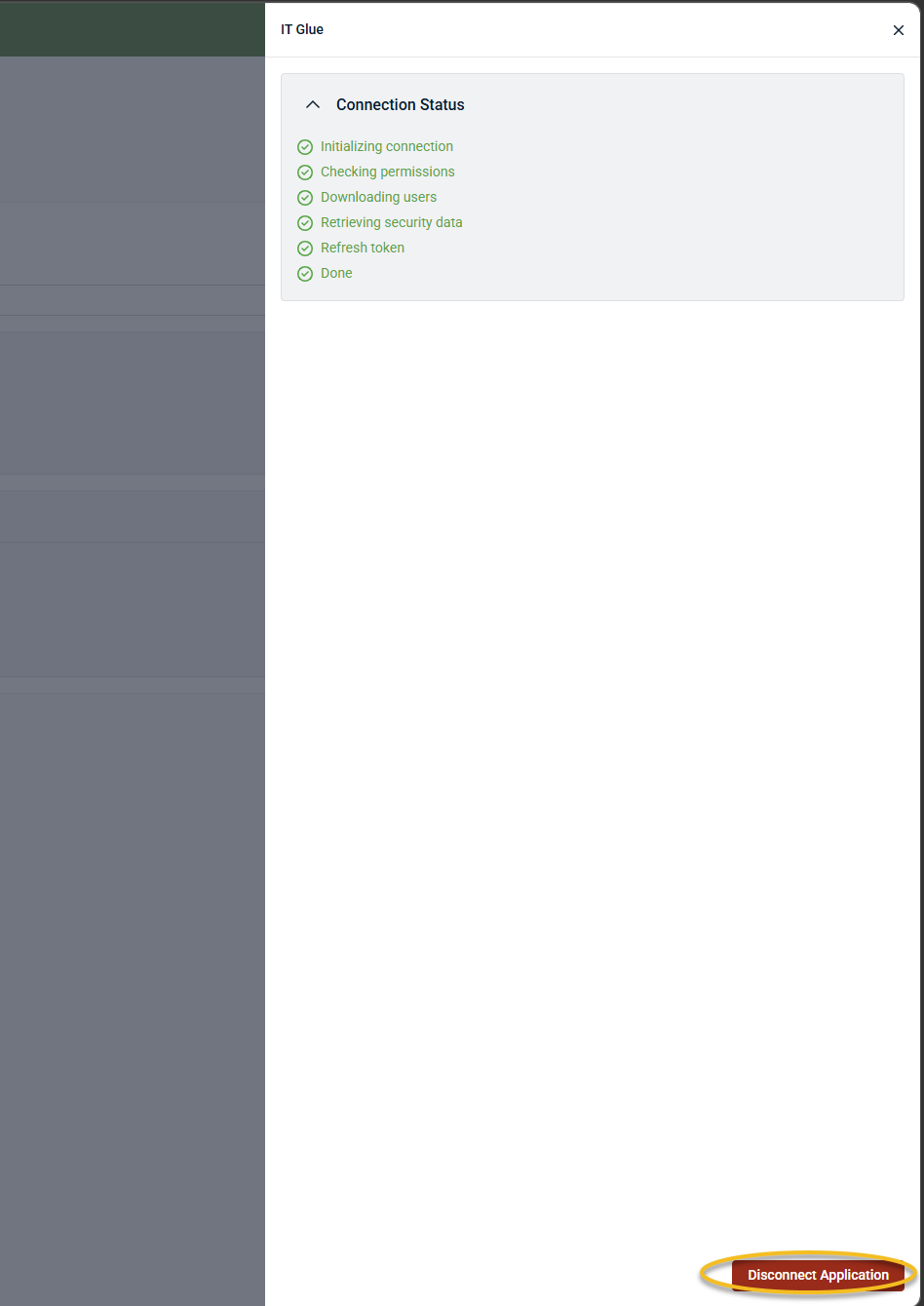
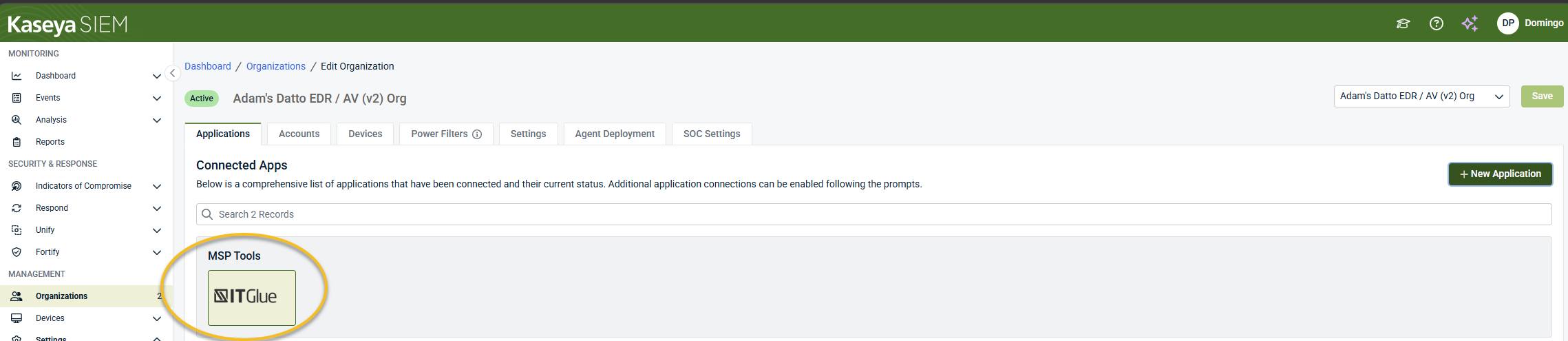
When the integration is completed successfully, IT Glue appears as a connected application under MSP Tools in the Applications tab for the selected organization.
Disable the integration in Kaseya SIEM
To disable the integration, complete the following steps:
-
From the side navigation menu, click Organizations.
-
Select the organization and click Edit Organization (pencil icon).
-
In the Applications tab, select IT Glue under MSP Tools.
-
Click Disconnect Application and confirm.